

Create an app
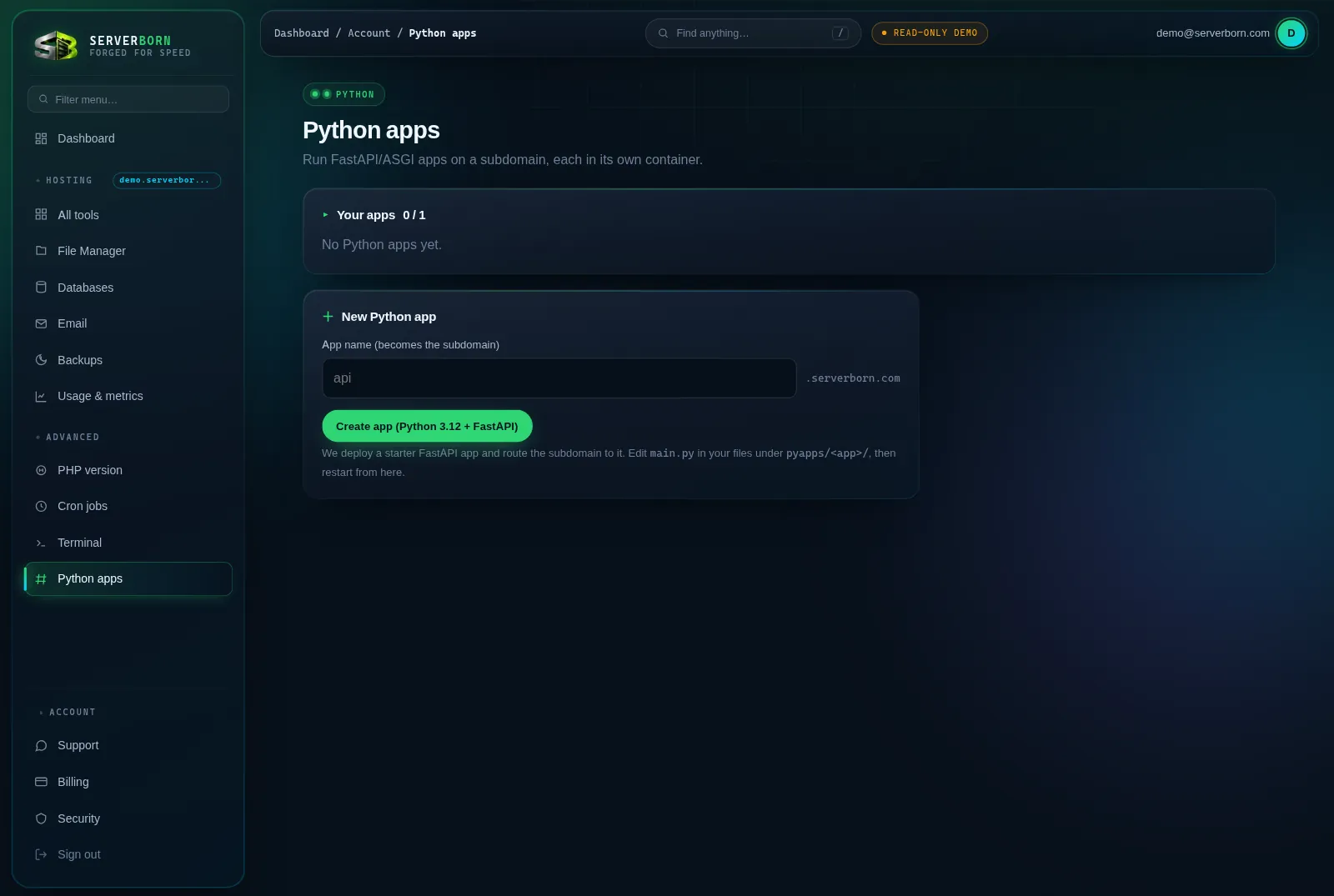
- Open Python apps
Sidebar → Advanced → Python apps, or
/then “python”. - Name it
The name becomes the subdomain:
api→api.yourdomain.com. Letters, numbers, underscores. - Click Create app
We provision a Python 3.12 container with a starter FastAPI service, route the subdomain to it with SSL, and it appears in the table with a live link.
- Open the URL
The starter app answers immediately: your endpoint skeleton is already serving HTTPS.
Deploy your own code
- Click Files on your app
On the Python apps page, Files opens the app's own folder,
pyapps/<name>/:main.pyis the FastAPI entry point. (The website file manager is a different folder: code uploaded there does not run as the app.) - Edit main.py (or upload your project)
Add routes the normal FastAPI way. Drag-and-drop extra modules alongside it; list dependencies in
requirements.txtin the same folder. - Click Restart on the app
Restart installs
requirements.txtand reloads the app with your new code, usually within a minute. Prefer GitHub? Git deploy does the same on every push.
Apps talk to your MariaDB at 127.0.0.1:3306 using any database and user you created on the Databases page: a real API over your site's data, in the same pod.
Remove an app
- Click delete on the app's row
Confirm the prompt.
- Everything unwinds
The container, its subdomain routing and its files are removed. Your websites and databases are untouched.
Which frameworks work?
Anything ASGI: FastAPI is what the starter ships, Starlette and Quart run fine too. WSGI apps (Flask/Django) can run via an ASGI adapter.
How many apps can I run?
It's per-plan: the counter at the top of the page shows used/allowed.
Where are the logs?
Runtime output is captured per app; the table shows status, and a failing app surfaces its error. Deeper debugging: open a ticket and we'll pull the container log.