

Find your invoices
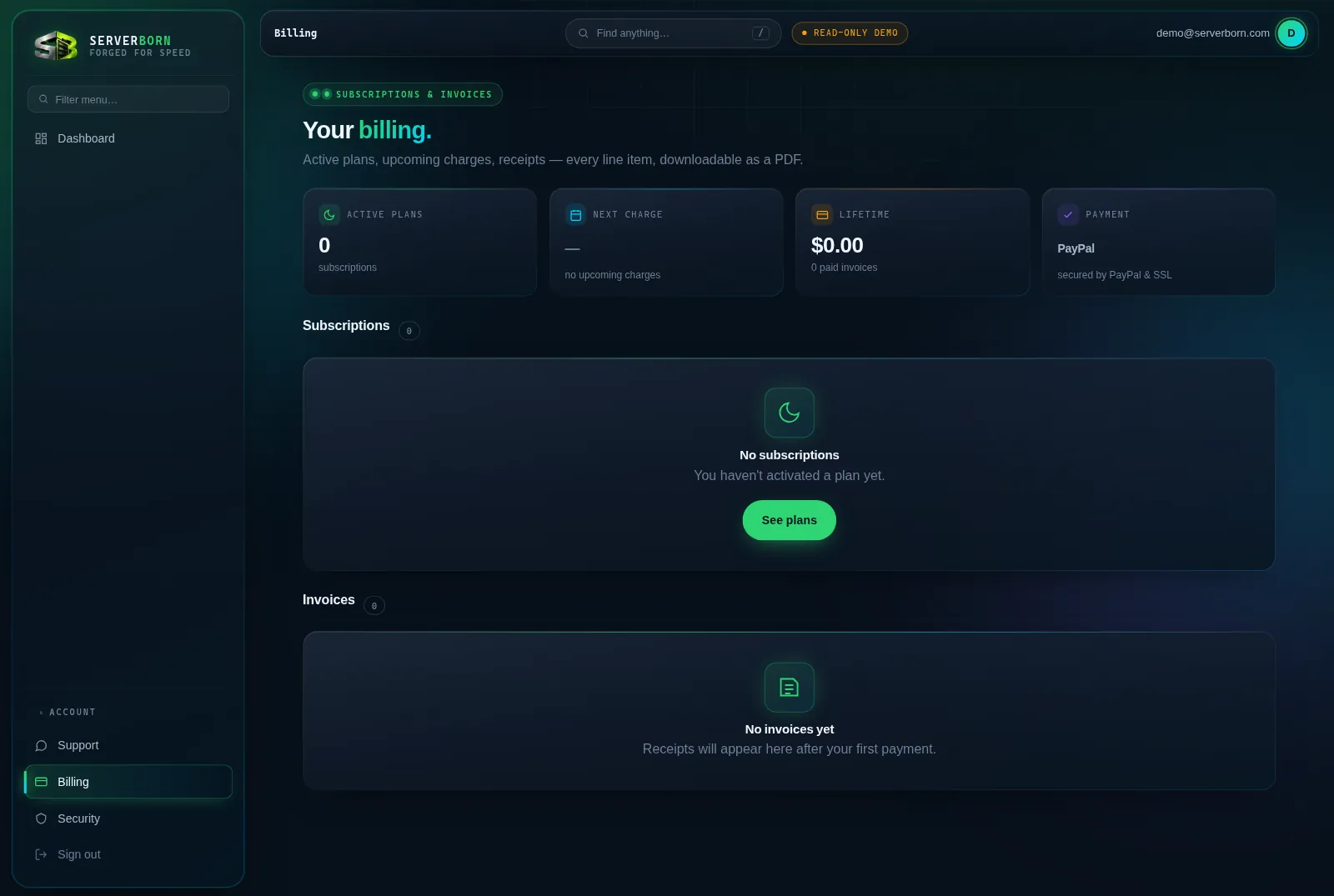
- Open Billing
Sidebar → Billing, the dock's Billing tab on mobile, or
/then “bill”. - Scan the summary cards
Active plans, your next charge date, and lifetime spend at a glance.
- Open any invoice
Click its number for the full detail view, or hit PDF for a download that accounting will accept without questions.
Change your plan
- Click Change plan on the subscription card
An inline panel opens with the available plans.
- Pick the new plan
The prorated charge or credit for the days left in your current period is explained right there, no surprises on the next invoice.
- Click Apply change
New resource limits reach your pod within seconds. Your sites never go down.
Moving to a smaller plan? Your account has to fit it first: the panel tells you if you have more websites, databases, Python apps, subdomains or git previews than the smaller plan allows, so you can remove the extras. And if you moved up during your current billing period, you can step back down once that period renews.
Cancel (and un-cancel)
- Click Cancel plan on the subscription card
Read the confirm: service continues until the period you already paid for ends. Nothing is deleted today.
- Changed your mind?
Until the period ends the card shows Reactivate: one click and the cancellation is gone.
After a cancelled period actually ends, the plan's sites and data are decommissioned. Export anything you want to keep before the end date: Backups + the file manager make that painless.
What payment methods do you take?
PayPal (which also handles cards): payments and recurring billing run entirely on PayPal's rails; we never see or store card numbers.
A payment failed: what happens?
We retry automatically several times over two weeks and email you each time. Fix the payment method at PayPal and the next retry clears it. Only after the full grace period does service pause.
Do prices include tax?
Invoices show the total charged; any applicable tax is listed as its own line.